

TL;DR
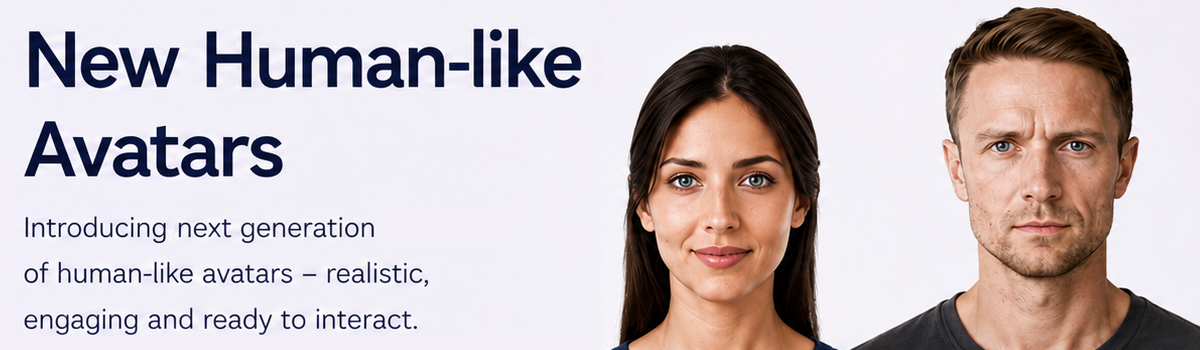
Interactive Avatar now offers a brand-new avatar type: Real-time Human Avatars — photorealistic, lifelike avatars your visitors can talk to out loud and hear answer back, in real time. The visuals are powered by Avaturn and the conversation is powered by OpenAI. They run on your own Avaturn and OpenAI API keys, added in your profile, so their usage is billed directly to you rather than out of your plan's Interactive Avatar voice minutes. Pick a face, give it a voice and a personality, and go. A few of our existing Interactive Avatar features aren't supported on this new type yet — full details below, so there are no surprises.
A new kind of avatar
Until now, every avatar on the platform has been one of our real-time 3D Interactive Avatars. Today we're adding a second, very different option alongside them: Real-time Human Avatars.
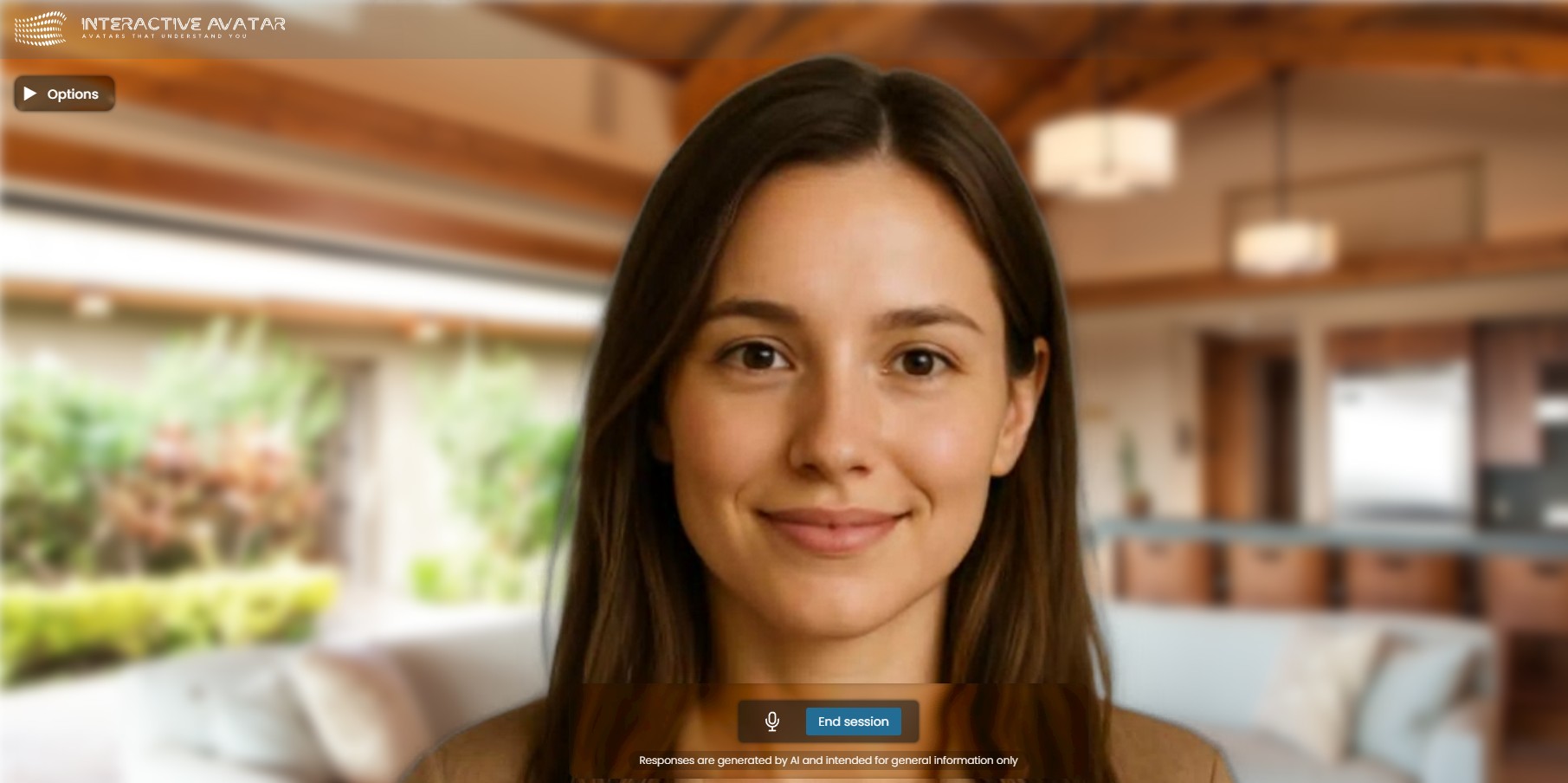
These are photorealistic, human-like avatars designed for one thing above all — natural, face-to-face conversation. Your visitor speaks out loud, and the avatar listens, thinks, and replies in a lifelike voice, live on the page. No typing, no send button, no script. Just a face on the screen holding a real back-and-forth.
Meet Real-time Human Avatars
Real-time Human Avatars are built for genuine conversation rather than playback. In practice that means:
- Real-time responses — the avatar answers as you speak, at conversational speed.
- Natural interruptions — talk over it or change direction mid-sentence, and it keeps up, just like a person would.
- Facial expressions and reactions — it reacts and emotes while listening, not just while talking.
- A voice and personality you control — you shape how it sounds and behaves through its voice and system prompt settings.
The result feels less like a chatbot with a picture attached and more like a short video call with someone who's genuinely paying attention.
How they work
Setting one up is quick:
- Open the avatar creator and choose Real-time Human Avatars at the top.
- Pick a pre-made face from the gallery.
- Give it a voice, select a category of expertise (or write your own system prompt) to define its personality and how it should behave.
- Answer various questions to further tailor its abilities.
- Save, and your visitors can start talking to it.
Behind the scenes, the lifelike avatar is streamed by Avaturn and the voice conversation runs on OpenAI's real-time voice technology. You don't have to wire any of that together — you just choose a face, set the voice and prompt, and the platform handles the rest.
Put your avatar onto your website
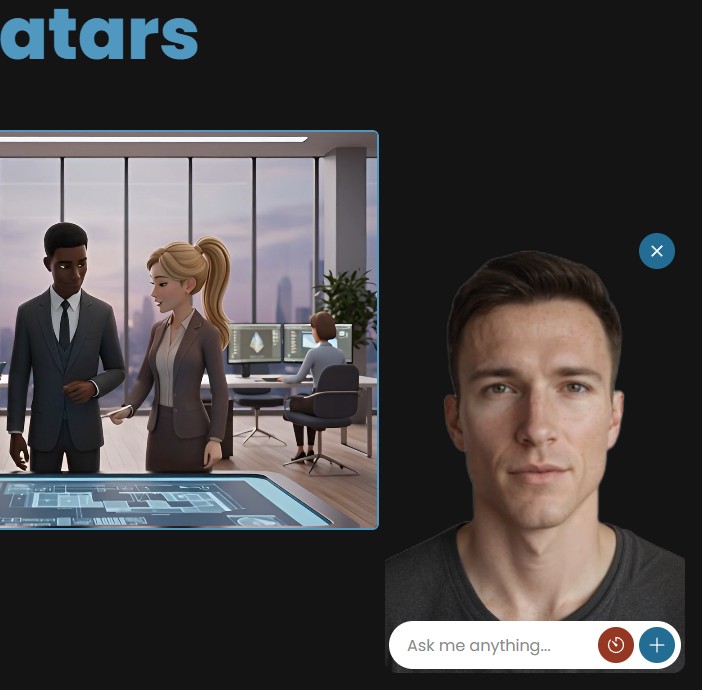
Creating the avatar is only half the story. Once you've made your Real-time Human Avatar, you can put it to work on your own website using an Interactive Avatar widget.
The widget gives your visitors a simple, ready-to-use way to talk to your avatar directly on your page. You don't need to build the video player, microphone controls or real-time conversation layer yourself — the widget handles the experience for you.
You can create an avatar for a particular job — a product guide, virtual receptionist, sales assistant, onboarding helper or knowledgeable representative — and then add that avatar to the page where your visitors actually need it.
And the avatar isn't limited to information you've provided yourself. It can access the wider web to find and read relevant information during a conversation, allowing it to gather specific information when your visitors need it. You can also train your avatars using RAG technology through your Profile area, giving them access to your own knowledge and information.
This is where the new avatar type becomes particularly useful. Instead of sending visitors to a separate demo or asking them to interact with a traditional chatbot, you can put a lifelike person directly into the experience you're already building.
For example, a product page could have a human avatar answering questions about the product, a hospitality website could have one acting as a virtual front desk, or a training site could give learners someone they can actually talk to rather than another block of text.
What you'll need — please read before you start
This is the important part, and we want to be upfront about it so nothing catches you out. Real-time Human Avatars run on your own accounts, not on your plan's included minutes. Before you create one, you'll add your own Avaturn and OpenAI API keys in your profile. From then on:
- Streaming the avatar is handled by Avaturn and measured in stream minutes on your Avaturn account.
- The voice conversation runs on OpenAI and is billed to your OpenAI account.
So your subscription unlocks the feature, but the running usage is billed directly to you by Avaturn and OpenAI. It is not capped by, and does not draw down, your plan's Interactive Avatar voice minutes — those two things are entirely separate. Keeping usage on your own keys is a deliberate choice: it means you're always in direct control of your own costs and limits, with no markup from us in the middle.
If a key hasn't been added yet, the avatar simply won't start, and we'll point you to your profile to add it rather than fail silently.
Interactive Avatars or Real-time Human Avatars — which should you use?
Both are real-time and both hold live conversations, so the choice comes down to look and feature set.
Choose an Interactive Avatar when you want full feature depth — knowledge-base training, lead capture, summaries, voice cloning, integrations and function calling — or when a stylised 3D look suits your brand. These remain our recommended default for most products, and they run on the voice minutes included in your plan. If you've read why we build live 3D avatars first, that thinking still stands: for a great many use cases, a controllable 3D avatar is the stronger choice.
Choose a Real-time Human Avatar when photorealism is the priority — a human face for a demo, a front-of-house assistant, a guided walkthrough, or anywhere a lifelike presence lands better than a stylised one — and you're happy running it on your own Avaturn and OpenAI keys.
Not sure where an avatar fits best? Our guide to live avatar use cases is a good place to start, and most of it applies to both types.
Where to find them
Open the avatar creator as normal. At the top you'll now see two options: Interactive Avatars (all your existing avatars) and Real-time Human Avatars (the new type). Choose Real-time Human Avatars, pick a face from the gallery, set its voice and system prompt, and save.
Available now
Real-time Human Avatars are live today. To try one:
- Add your Avaturn and OpenAI API keys in your profile.
- Open the avatar creator and choose Real-time Human Avatars.
- Pick a face, set its capabilities and save.
- Start a conversation and talk to it out loud.
Get started today
Add your keys, pick a face, and have your first face-to-face conversation with a Real-time Human Avatar. Questions, feedback, or want to show us what you've built? Email us at support@interactiveavatar.co.uk.
This is just the start for Real-time Human Avatars — expect more faces, more configuration, and more of the features you already know from Interactive Avatars to arrive over the coming months.